What are you looking for?
ADS 2026 Update 1.0 Product Release

Highlights
The Advanced Design System (ADS) 2026 Update 1.0 product release includes new capabilities and enhancements for:
- Design and Technology Management
- Design Editing and Layout
- Design Import/Export
- Layout and Schematic Verification
- Data Display
- Circuit Simulation
- EM Simulation
- Electrothermal Simulation
- High Speed Digital (HSD)
- Power Electronics
- Quantum Electronics
- Photonic Designer
- EDA GenAI Capabilities
- Licensing
- Documentation
- Integration with Modulation Explorer in ADS
ADS 2026 Update 1.0 is shipping soon!
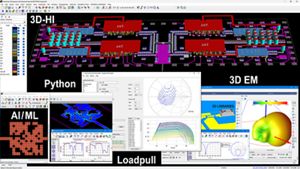
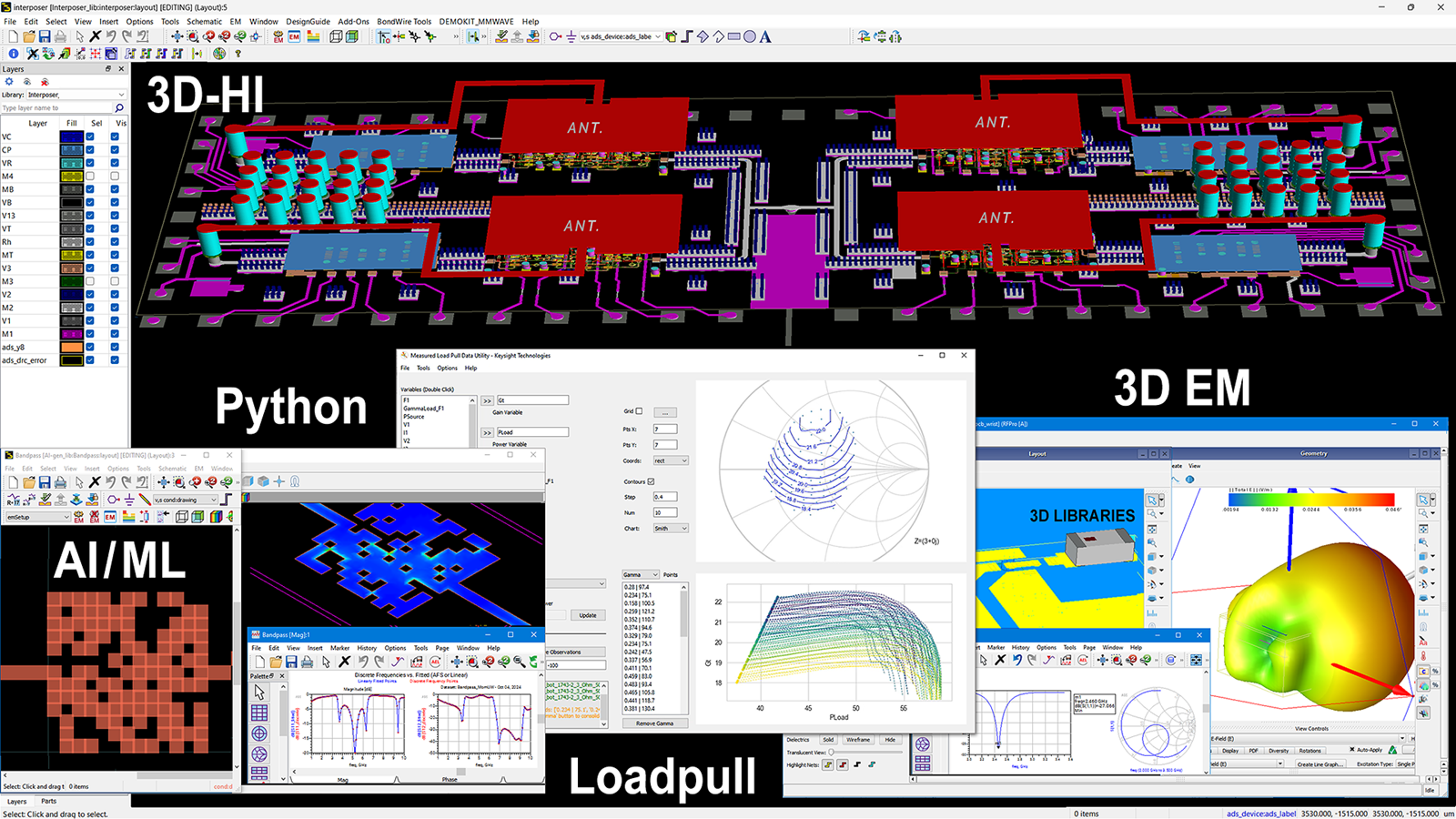
ADS 2026 Update 1.0 continues to offer the industry’s most demanding RF & Microwave, High-Speed Digital, Power Electronics, Quantum Electronics and Photonics designs- helping you innovate faster and with greater confidence. This release introduces several powerful new capabilities, including:
- Advanced features for RF/MW, High-Speed Digital, Power, and Quantum Electronics applications
- Major improvements in Python automation, electromagnetic simulation, layout, design verification, and electro-thermal simulation
- Enhanced circuit simulation models, data/design management, and optimized high-performance computing (HPC) support
Circuit Simulation Enhancements
- Cgg and NFmin consistency between ADS and Spectre for BSIMSOI 4.5
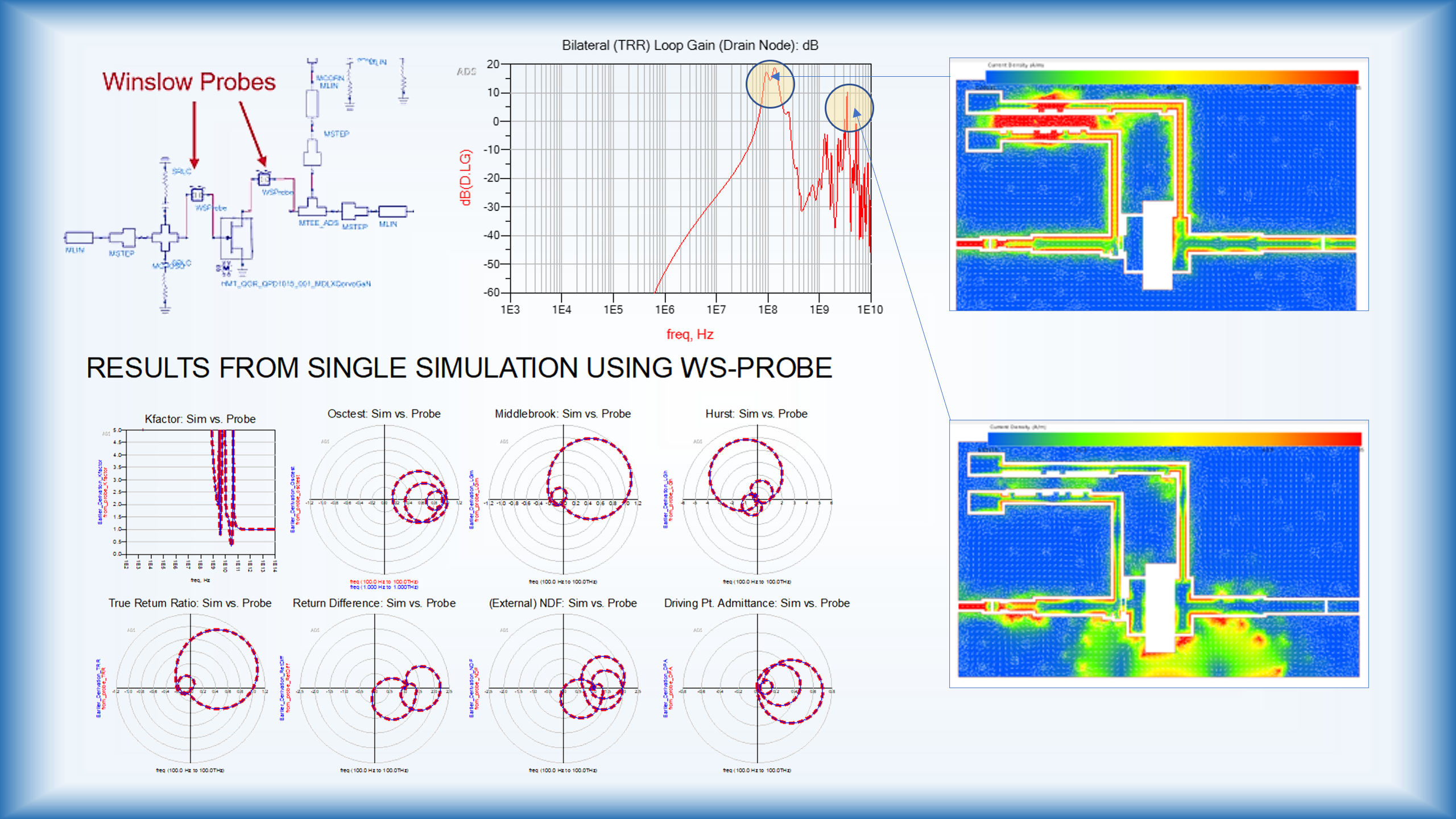
- Circuit Envelope simulation with improved fitting and passivity enforcement for linear components with arbitrary frequency-dependent behavior.
- Support for L-UTSOI 102.80 transistor model
- Support for Verilog-A compiler 3.0.1
- Parallel simulation for non-swept analysis in Design Cloud.


EM Simulation
- EM menus and toolbar in the ADS layout window have been enhanced to support all EM view types.
- New context menu on a substrate allows tagging it as 'EM Substrate'. It will be the default substrate selection when creating a new EM view.
- RFPro UI improvements for grouped, encrypted 3D structures and SmartMount pcell instances, such as padstacks, to be properly simulated by FEM.
- Mesh domain optimization, or virtual cookie cutting, is now faster in generating initial mesh.
- 3D volume conductor option in RFPro Momentum for greater accuracy at lower frequencies where skin effect surface current flow does not yet dominate.
- New RFPro EM-circuit cosimulation example for Ku Band MMIC amplifier
Design and Technology Management
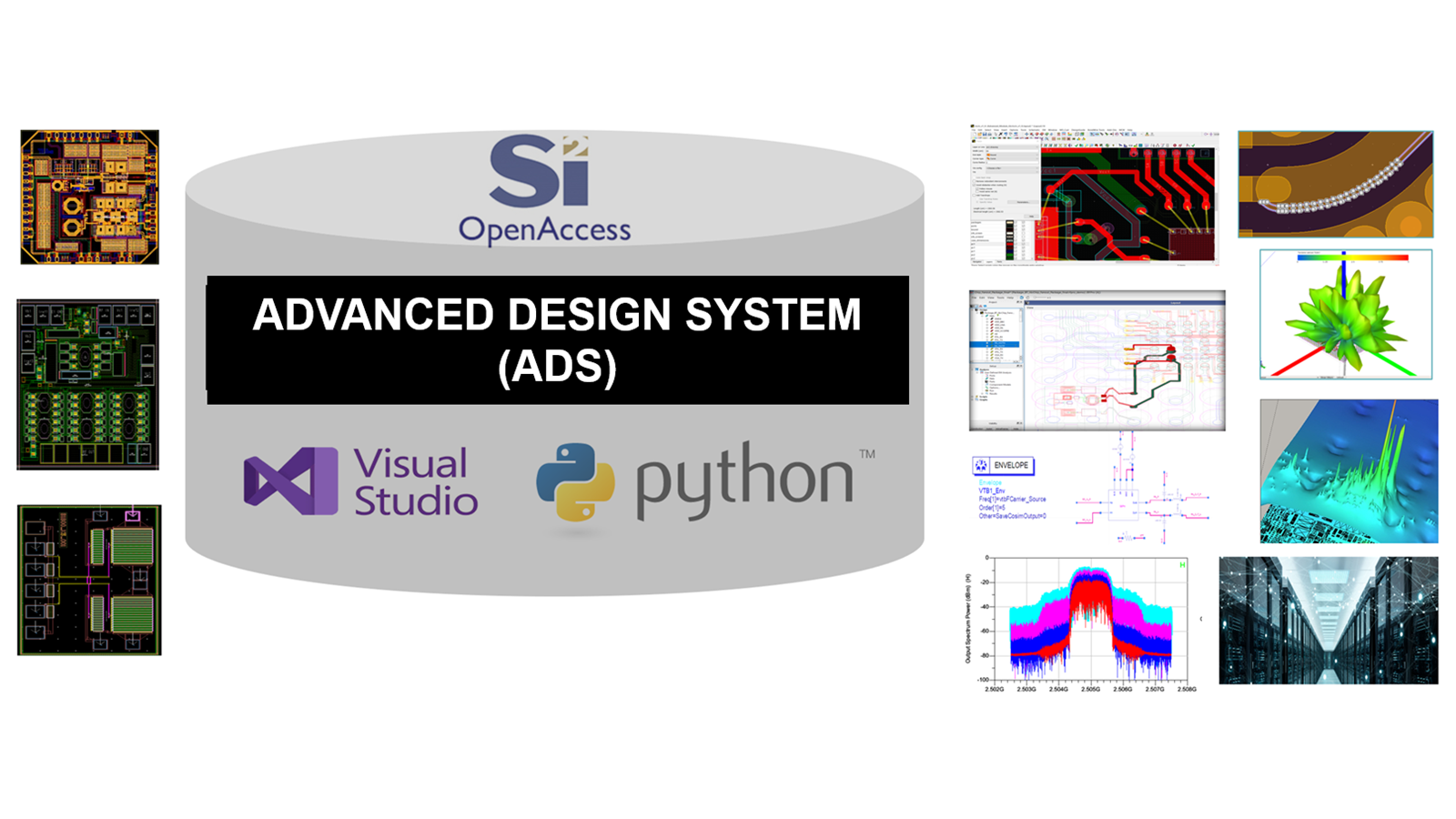
- Improved version control for custom files, datasets, libraries and folders
- Python API VS Code extension to attach debugger
- Python API for printing designs to PDF or image files
- Generate design reports with Python notebook API

Design Editing and Layout
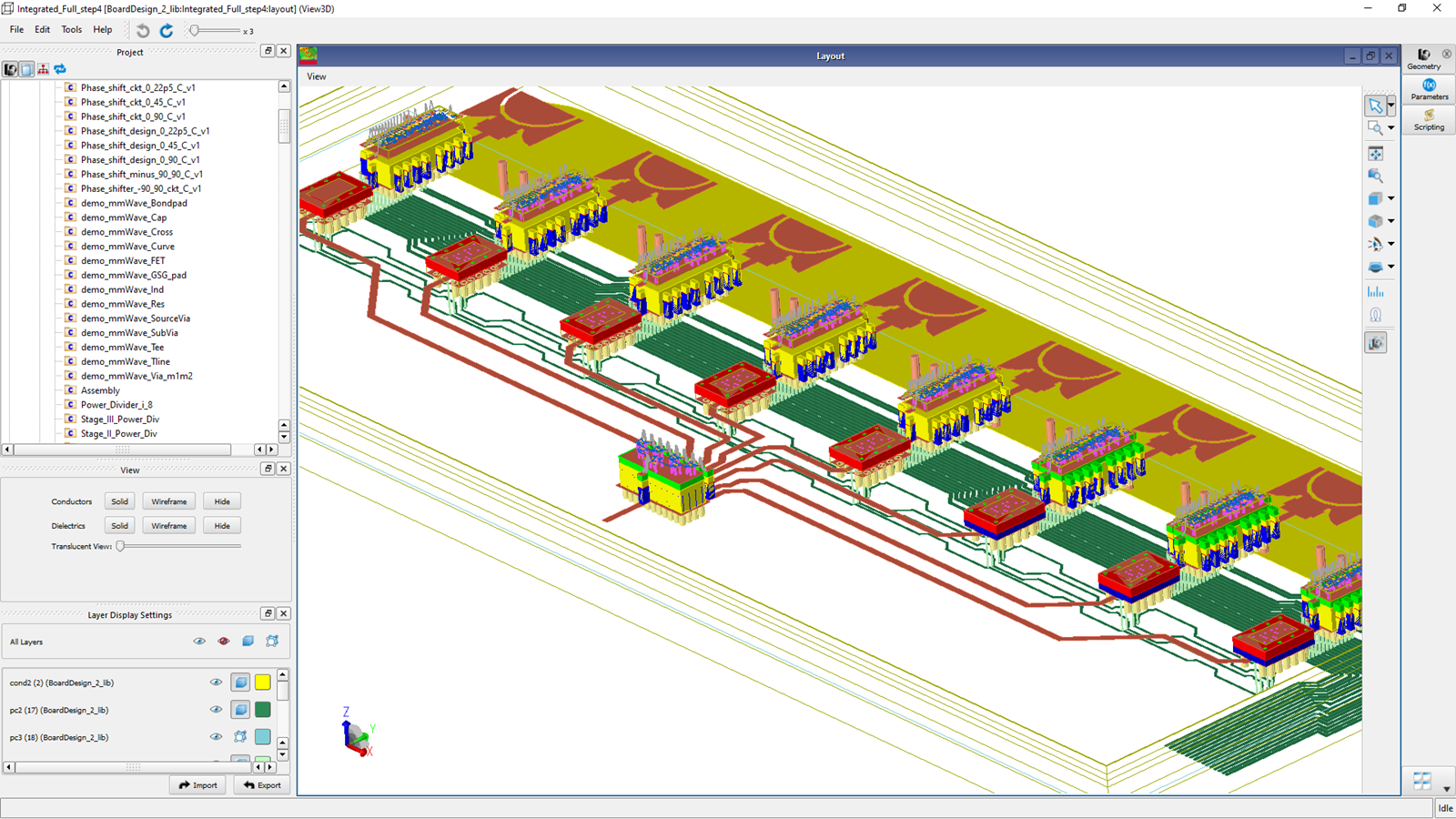
- Plane editing dialog remembers last settings used for efficient editing
- Ground planes automatically update after layout edits
- Add-on to attach debugpy for debugging Python script
Design Import/Export
- Eleven new AEL calls for improved control over non-interactive Gerber/drill imports
- Warning message printed to import log instead of Message List docking window for improved troubleshooting when trying to read a drill file during drill file import

Layout and Schematic Verification
Design Rule Check (DRC)
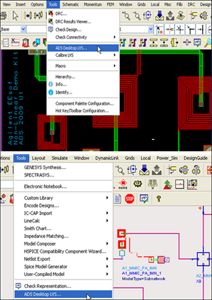
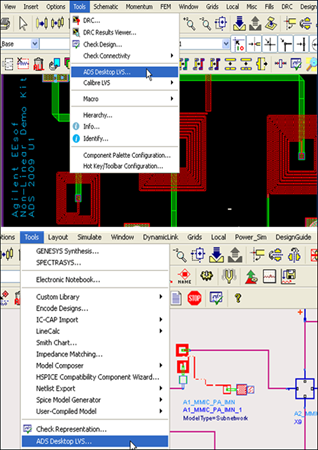
- DRC link via PuTTY for Assura, PVS and Calibre to run DRC remotely
- Enhanced area, angle error detection
- Improved usability and error/warning reporting
Layout Versus Schematic (LVS)
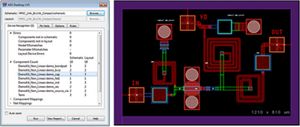
- Improved LVS error reporting: Pins and shapes on gnd! that are not physically connected are listed as separate errors. Select each entry in the report to highlight islands of gnd!
.
· Data Display
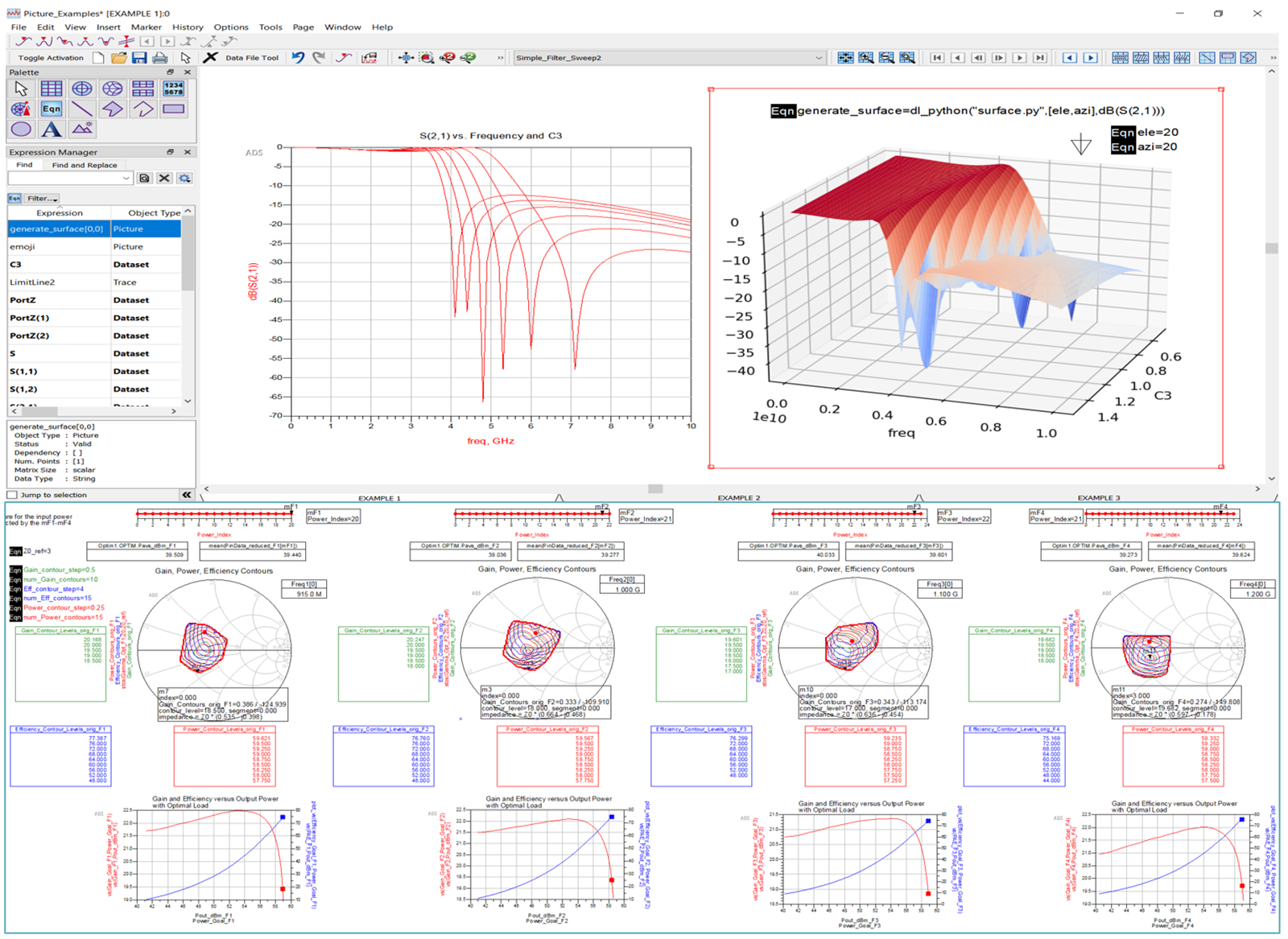
- Python API for Data Display is officially released
- Print Data Display as image file
- Customize axes, labels, markers and version control toolbar

Electrothermal (ETH) Simulation
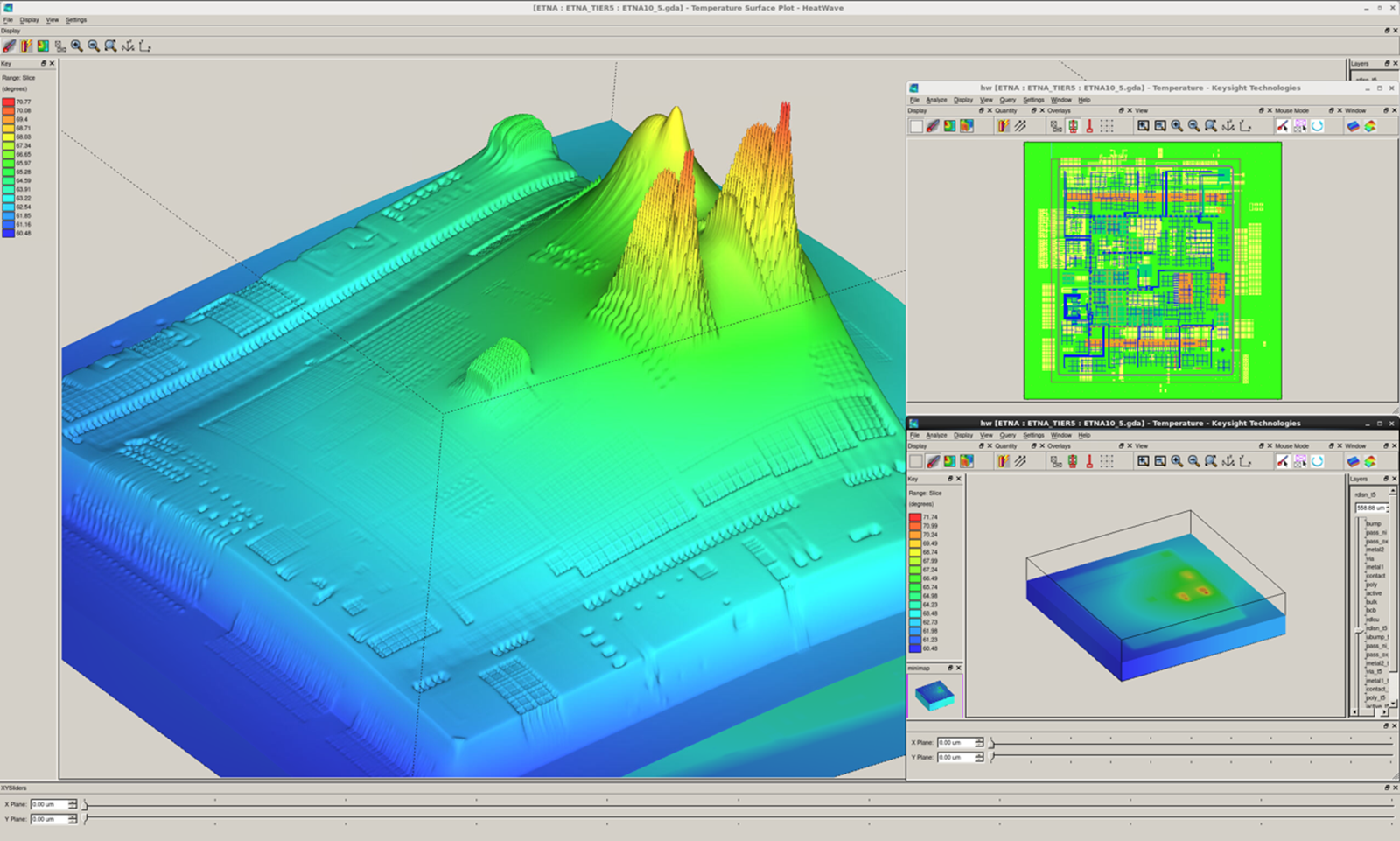
- Auto generation of ETH technology file when active ETH substrate is present to quickly enable ETH simulation
High Speed Digital (HSD)
- CISPR-32 Conducted EMI analysis
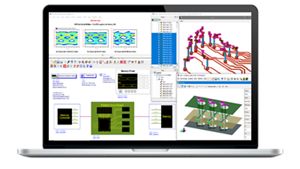
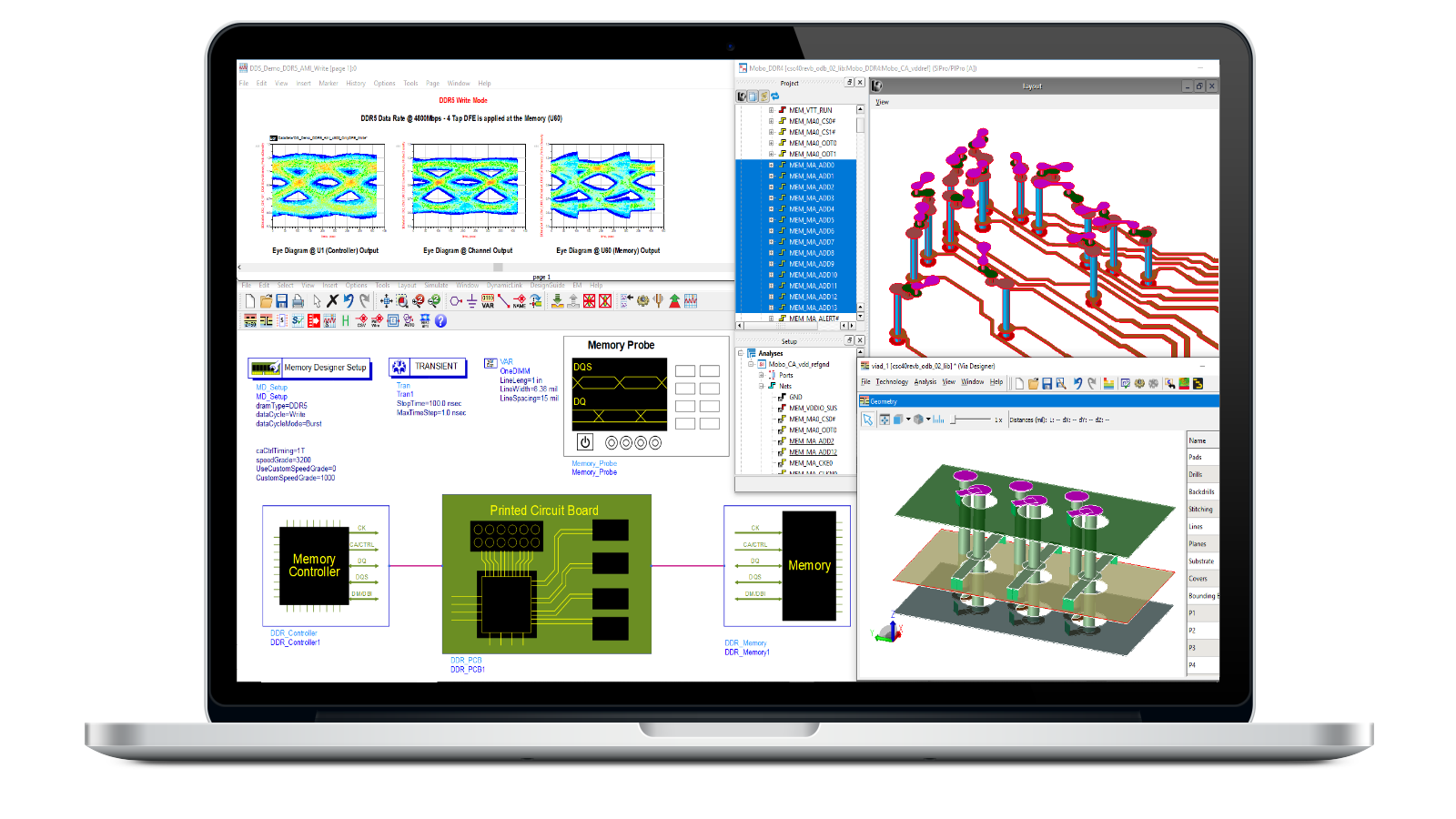
DDR/Memory
- HBM4
- DDR5 speed grade (up to 8800MT/s)
- Updates LPDDR5 and DDR5 mask values based on speed grade
SerDes/Chiplet
- UCIe 3.0 in Chiplet PHY Designer
- COM (Channel Operating Margin) 4.8 and sweep in System Designer for Ethernet
- Supports updating host/device/root complex/endpoint/module's number of links, signal type and index, based on channel information in System Designer for PCIe, USB, and Ethernet
Chiplet 3D Interconnect Designer
- Pre-layout driven 3D interconnect design workflow solution. For more information, see 3D Interconnect Designer Simulation.
- UCIe standard bump map definitions.
- Interconnect types: microbumps, vias, and bus interconnects.
- Auto-routing for breakout feeds for via structures.
- Organic and silicon substrates.
- Component-level and interconnect-level simulations

Power Electronics
- PE Transformer Designer enhanced with ferrite database with 50 materials for versatile transformer core modeling
- Enhanced UI for improved workflow and mutual inductance based simple transformer modeling option
- Shooting analysis support for MOSFET Level 1,2 and 3 models
- Broadband SPICE Model Generator with improved DC and low-frequency fitting accuracy
Quantum Electronics
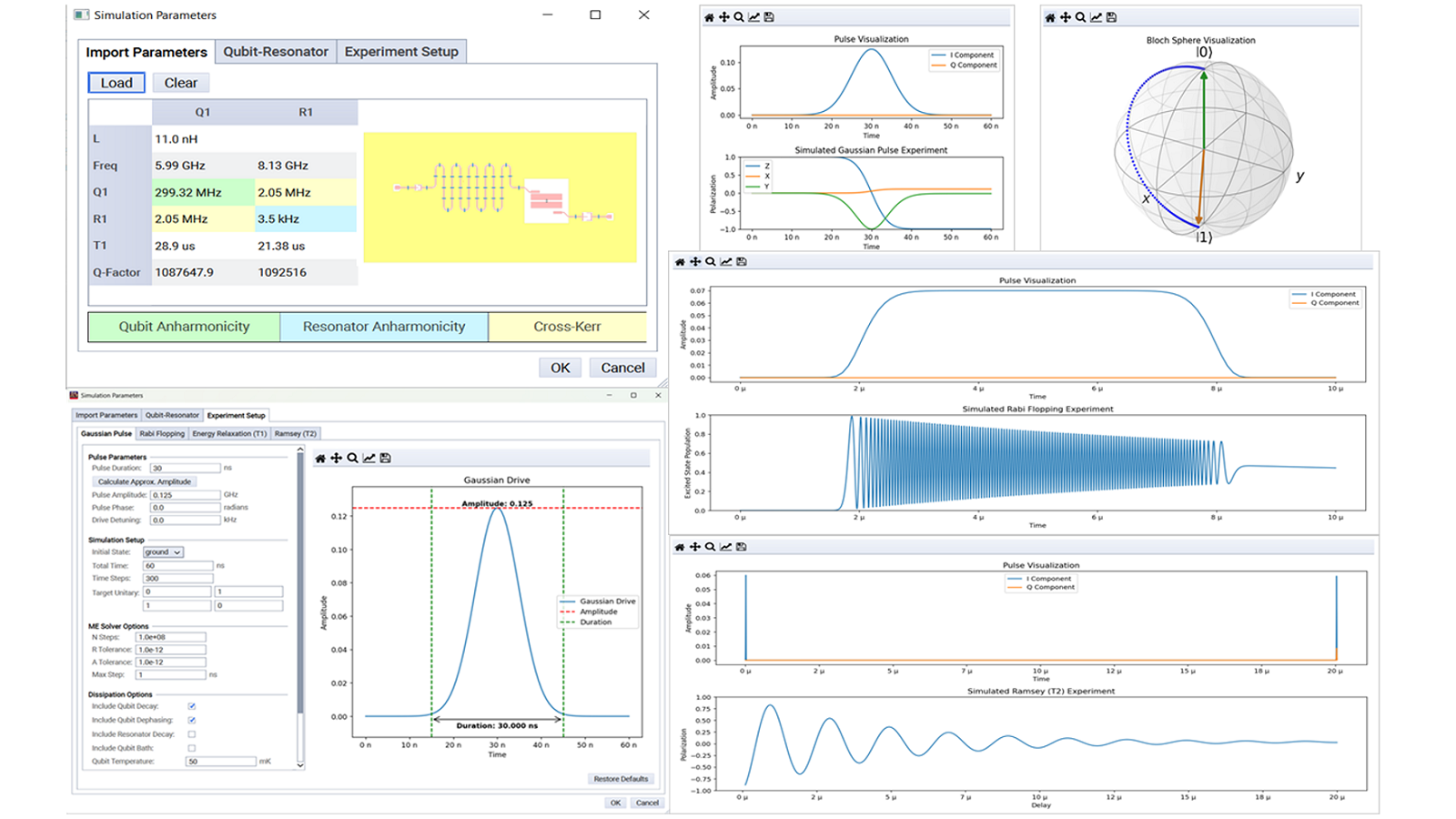
- New Quantum design flow examples – 3D Qubit modeling using PEC background feature, and Finding SQUID Extrema analyzes multi-stable SQUIDS
- Generate Results Summary PDF after simulation with key plots for Full EM and Energy Participation analysis to streamline documentation for collaboration in quantum design workflows.
- Compute and visualize Qubit-Qubit Coupling (J) and Rabi frequency (g) within extracted parameters from full EM analysis
- Participation ratios (EPR) output display from energy participation analysis
- Extract frequency values at each adaptive pass of eigenmode calculation. Accessible via Python scripting, to programmatically retrieve and analyze the convergence behavior of frequencies throughout the simulation process.
- Prescribe arbitrarily shaped background materials as Perfect Electric Conductor (PEC for accurate modeling FEM of 3D Qubits and integration of packaging environments around qubit circuits.
- Hamiltonian analysis enhanced with ZeroPiZeta and Cos2Phi qubits for broader modeling and more advanced quantum circuit simulations.



Photonic Designer
- Photonic Designer is now included with ADS and not a separate download
- Enhanced optical component library with Optical S-parameter simulation block, LED, Behavioral Photo detector, LED-SMF coupling, User-defined material loss for custom materials.
- Enhanced accuracy for user-defined material loss fitting
- Dedicated menus for Photonic Designer help and Modesolver functionality
EDA GenAI Capabilities
- New Generative AI capabilities such as EDA Chat and EDA Copilots are made available for Edge Deployment as add-ons
- EDA Chat can be accessed from ADS Main window, click Help > Chat. If the EDA Chat add-on is not enabled, you will be redirected to the EDA AI Download page

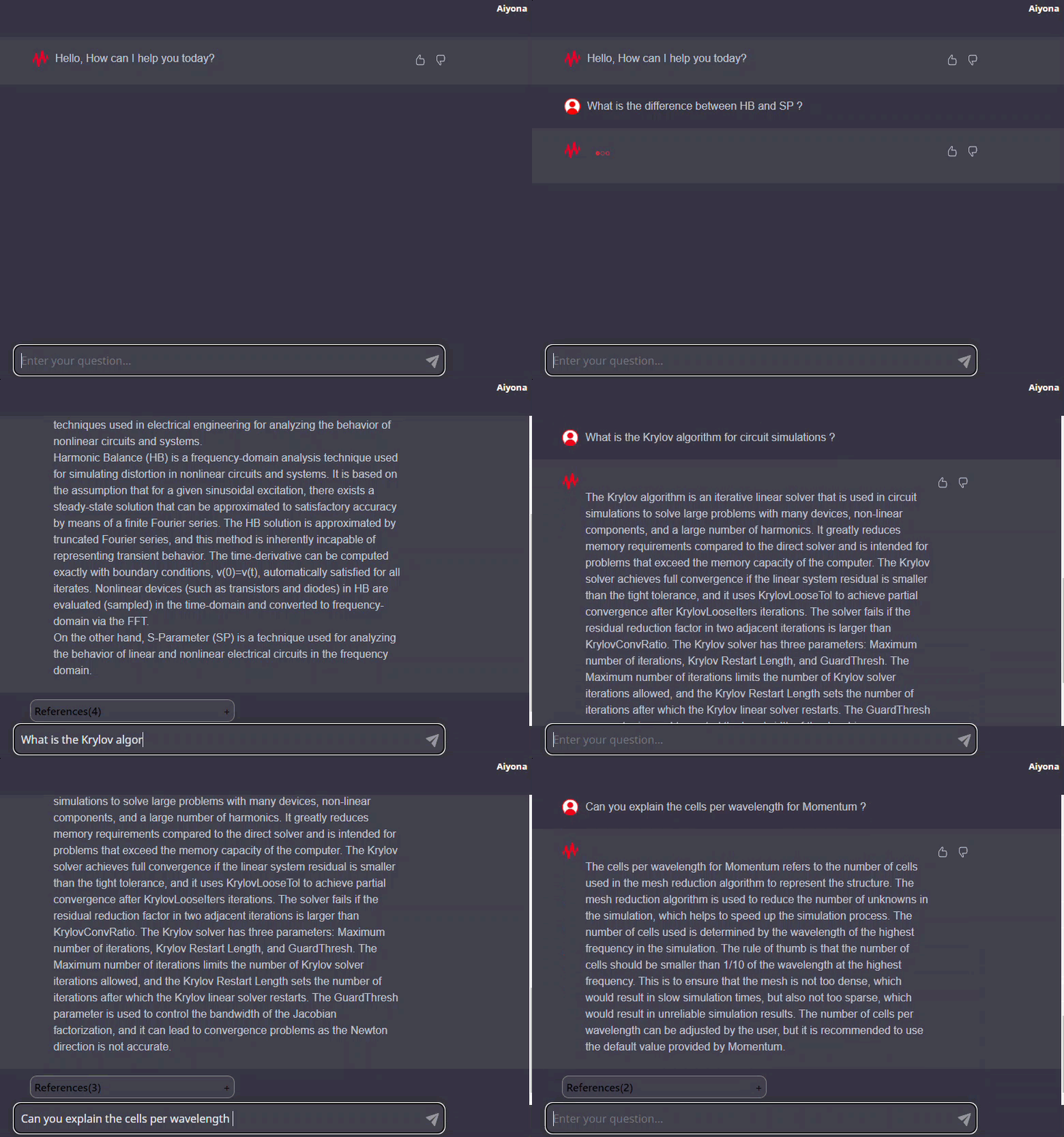
Keysight EDA Help AI Chatbot.
Licensing
- FlexNet Licensing Module: Version v11.19.7
- Keysight EDA Licensing Software: Version 2025.04
- License Codeword Version: 2025.02 or higher
- Refer to the codeword compatibility table here:
- MAC Address Requirements: Licenses must now be tied to the physical MAC address of the PC, Licenses can no longer be bound to aliased, virtual, or removable Ethernet devices, such as USB network adapters or docking stations.
If your current license configuration is impacted by these changes, we encourage you to contact Keysight EDA Business Support or get in touch with your local Keysight EDA Field Representative. They will assist you in initiating a License Transfer Agreement to transition your license to one tied to a physical MAC address.
Documentation
Offline documentation is now available in HTML5 format with new features:
- Enhanced search
- Syntax highlighting
- Copy code samples
- PDF generation (internet required)
- Image zoom-in
- Responsive design