
InfiniiVision 3000 X-Series Oscilloscope
Configuration Guides
Demo Guide
Use the “Auto Demo” and “App Demo” modes to quickly and easily demonstrate key features of the scope
Getting started
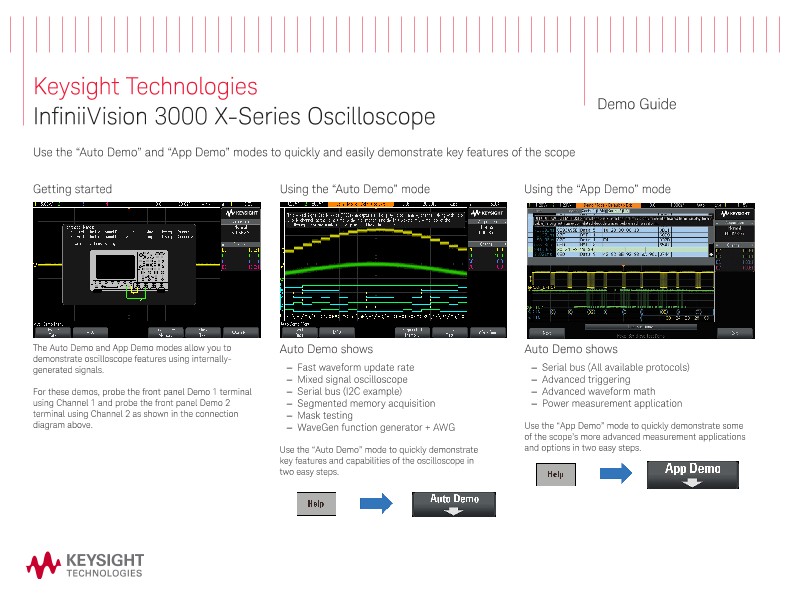
The Auto Demo and App Demo modes allow you to demonstrate oscilloscope features using internally-generated signals. For these demos, probe the front panel Demo 1 terminal using Channel 1 and probe the front panel Demo 2 terminal using Channel 2 as shown in the connection diagram above.
Using the “Auto Demo” mode
Auto Demo shows
- Fast waveform update rate
- Mixed signal oscilloscope
- Serial bus (I2C example)
- Segmented memory acquisition
- Mask testing
- WaveGen function generator + AWG
Use the “Auto Demo” mode to quickly demonstrate key features and capabilities of the oscilloscope in two easy steps.
Auto Demo shows
- Serial bus (All available protocols)
- Advanced triggering
- Advanced waveform math
- Power measurement application
Use the “App Demo” mode to quickly demonstrate some of the scope’s more advanced measurement applications and options in two easy steps.
Using the “Training Signals” mode for more advanced demonstrations
Parametric violation search
Parametric violation triggering
Capturing consecutive runt pulses using segmented memory