
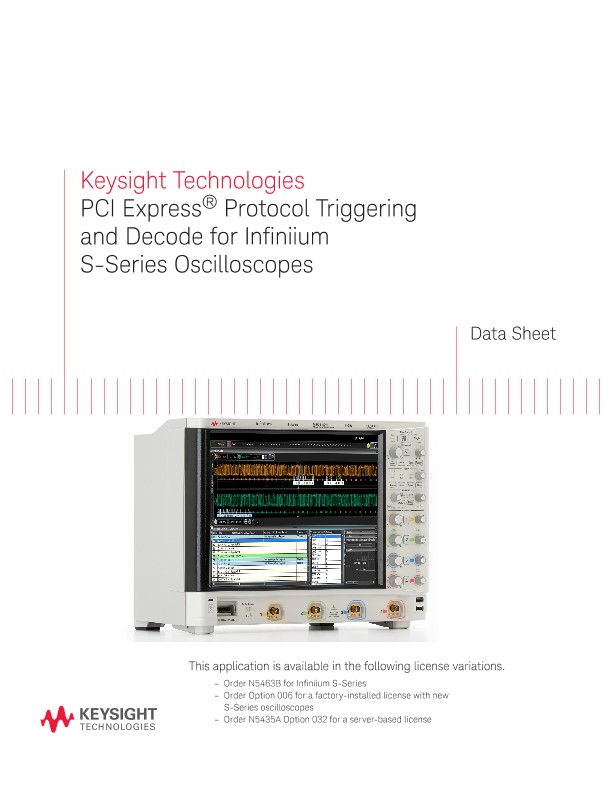
PCI Express® Protocol Triggering and Decode for Infiniium S-Series Oscilloscopes
技术资料
Keysight Technologies
PCI Express® Protocol Triggering and Decode for Infiniium S-Series Oscilloscopes
Data Sheet
This application is available in the following license variations.
– Order N5463B for Infiniium S-Series
– Order Option 006 for a factory-installed license with new S-Series oscilloscopes
– Order N5435A Option 032 for a server-based license
Easily debug and test designs that include PCI Express protocols using your Infiniium S-Series oscilloscope
PCI Express® interfaces are gaining in popularity outside of the computer industry. PCIe® buses can provide a content-rich point for debug and test. However, since PCIe protocols transfer bits serially, using a traditional oscilloscope has limitations. Manually converting captured 1’s and 0’s to protocol can’t be done in real-time. In addition, traditional scope triggers are not sufficient for specifying protocol-level conditions. Keysight provides an economical alternative for low-level PCIe debug.
Extend your scope capability with Keysight’s PCIe protocol triggering and decode application. This application makes it easy to non-intrusively debug and test designs that include 2.5 Gb/s PCIe gen 1 using your Infiniium S-Series oscilloscope. Need to debug training and power management problems? This application can show what is happening during training. Using x4, x8, or even x16 links? Use the application to look at any lane, one lane at a time.
– Set up your scope to show PCIe gen 1 protocol decode in less than 30 seconds.
– Get access to a rich set of integrated protocol-level triggers.
– Save time and eliminate errors by viewing packets at the protocol level.
– Use time-correlated views to quickly troubleshoot serial protocol problems back to their timing or signal integrity root cause.
Easy to find
Turn decode on/off via the “Serial Decode” button on the front of the instrument or in the “Setup” menu. View decode embedded on the waveform display or in the protocol viewer listing window. (See pages 4-5).
30 Second Setup
Configure your oscilloscope to display protocol decode in under 30 seconds. Use “Auto Setup” to automatically configure sample rate, memory depth and threshold and trigger levels.
Auto Setup
AutoSetup also includes automatic clock recovery necessary for protocol decode and triggering.
PCI Express protocol triggering and searching
Get access to a rich set of integrated protocol level triggers. The application includes a suite of configurable protocol-level trigger conditions specific to PCIe. When serial triggering is selected, the application enables special real-time triggering hardware inside the scope.
Hardware-based triggering ensures that the scope never misses a trigger event when armed. This hardware takes signals acquired using either scope or digital channels and reconstructs protocol frames. It then inspects these protocol frames against specified protocol-level trigger conditions and triggers when the condition is met.
PCIe Trigger Setup
Choose triggers from a broad range of PCIe protocol, including token, data, handshakes, special and error types.
View trigger setup
View as bits button shows the trigger setup in a databook format for easy viewing.
Sequence editor
Enter sequence values using K codes or at the bit level.
Post-acquisition searching
Search acquired protocol listings using a menu that is identical to the trigger menu.
Quickly find occurrences
Quickly move to next occurrence of a specified event.